Web UI
The bundled TanStack Start app served by `clu web`.
clu ships with a small web UI — kanban board, issue list, approvals, and
issue detail — that's served by the CLI itself.
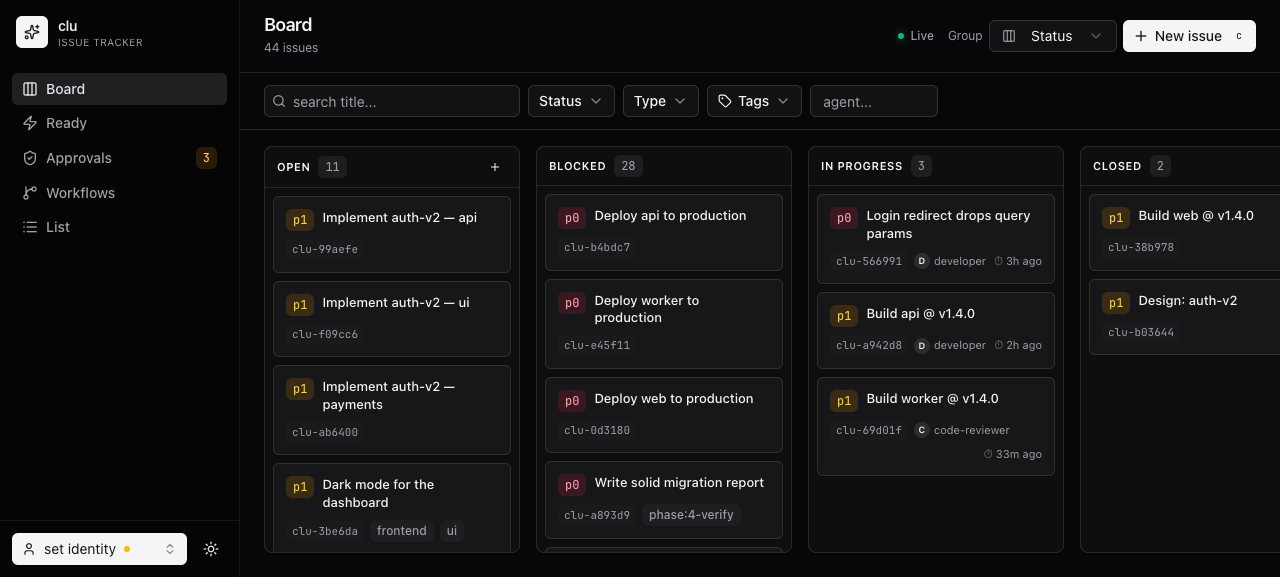
clu webstarts the frontend on :5757 (--web-port) backed by an in-process REST API
on :7777 (--api-port), both over the same SQLite store. The default web port
avoids colliding with common dev servers (3000 / 5173 / 8080); pass 0 for
either to pick a free port.
Installation
make install runs clu web --install automatically. To rebuild the UI bundle
explicitly:
clu web --installThis runs pnpm install + pnpm build inside web/clu-web/ and copies the
output to ~/.local/share/clu/web so clu web can find it from any
directory. If pnpm isn't on PATH, the step is skipped silently — the CLI
still works without the UI.
What's in it
- Board — kanban columns by status, with assignee avatars and how long each task has been in progress.
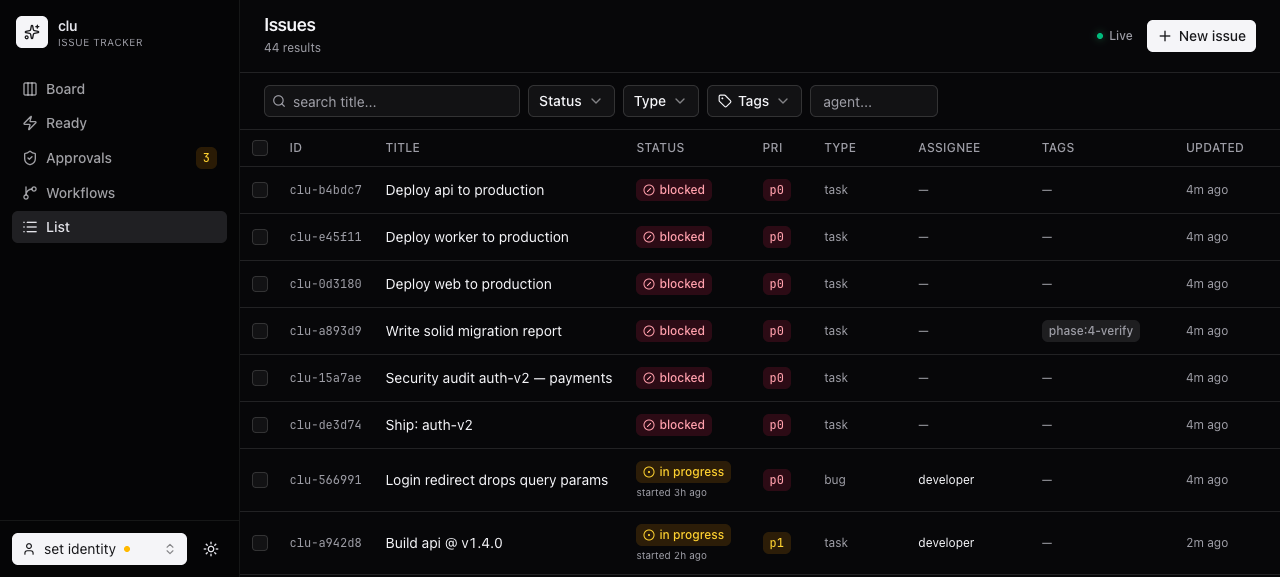
- List — filterable table with the same data as
clu list, includingstarted_at("started 3h ago"). - Ready — what's unblocked right now.
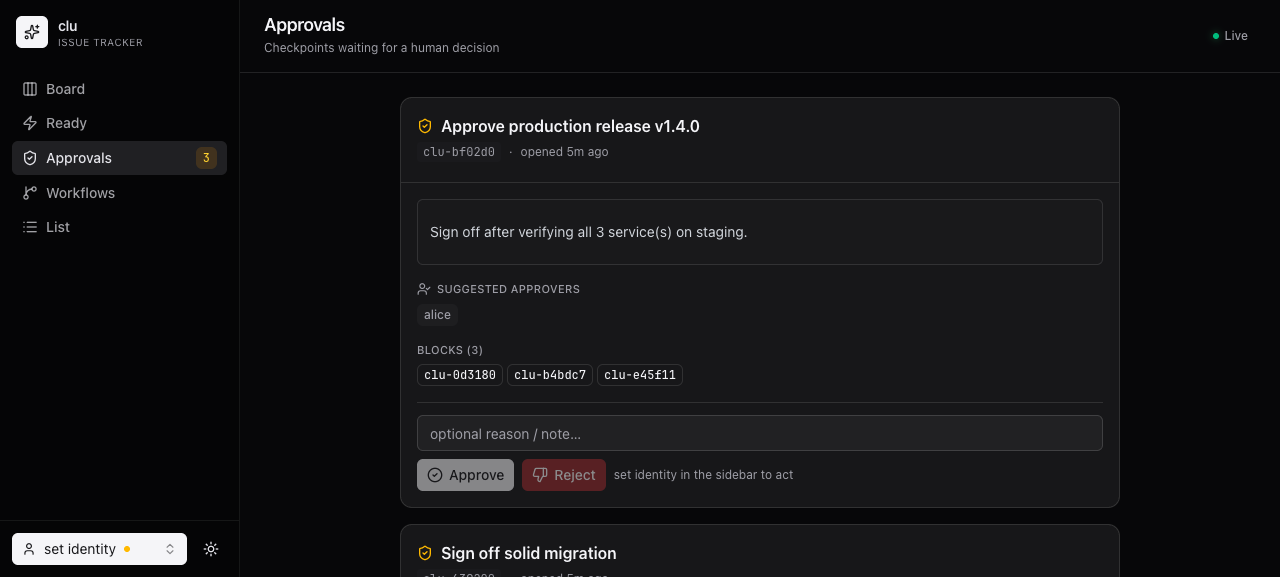
- Approvals — pending checkpoint gates with suggested approvers and what they block; approve or fail inline.
- Workflows — the templates you can instantiate.
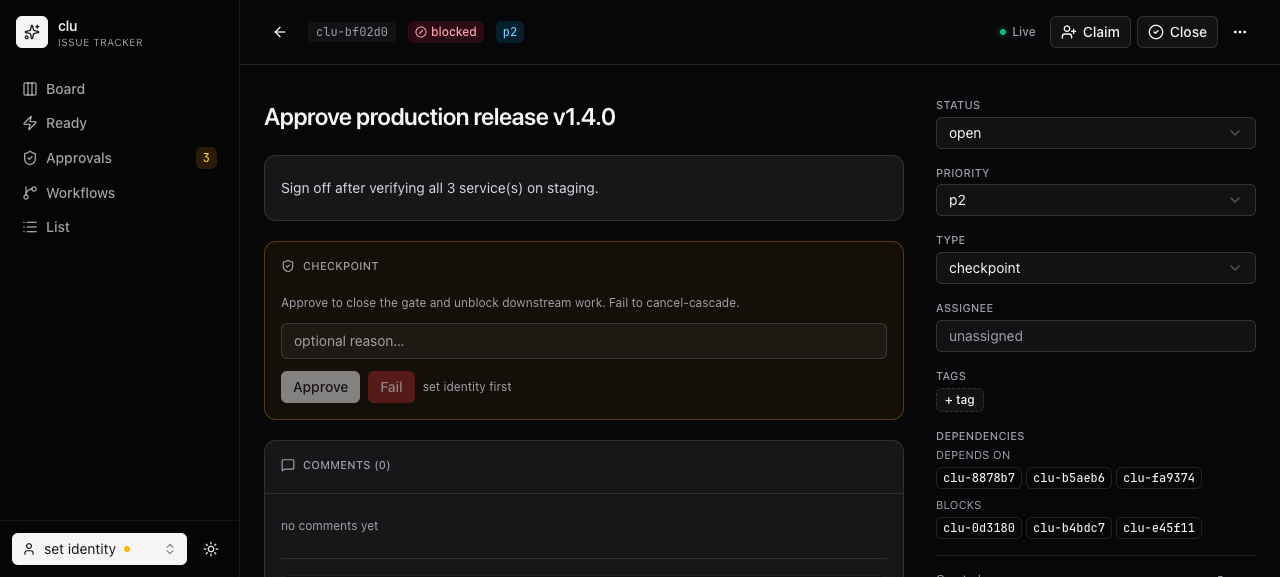
- Detail — full issue view with status/priority/type controls, comments, notes, and dependency edges.
- Theme toggle — light + dark.
The List view — every issue with priority, status, and started_at:
The Approvals view — pending checkpoint gates with suggested approvers and what they block:
The Detail view — controls, the checkpoint gate, comments, and dependency edges:
When to use it vs. the CLI
Use the web UI when you want to see the shape of the work — what's stuck, what's piling up, which agent is overloaded. Use the CLI for everything else: it's faster, scriptable, and is what every agent talks to anyway.